What is Account Management Software?
Core Definition
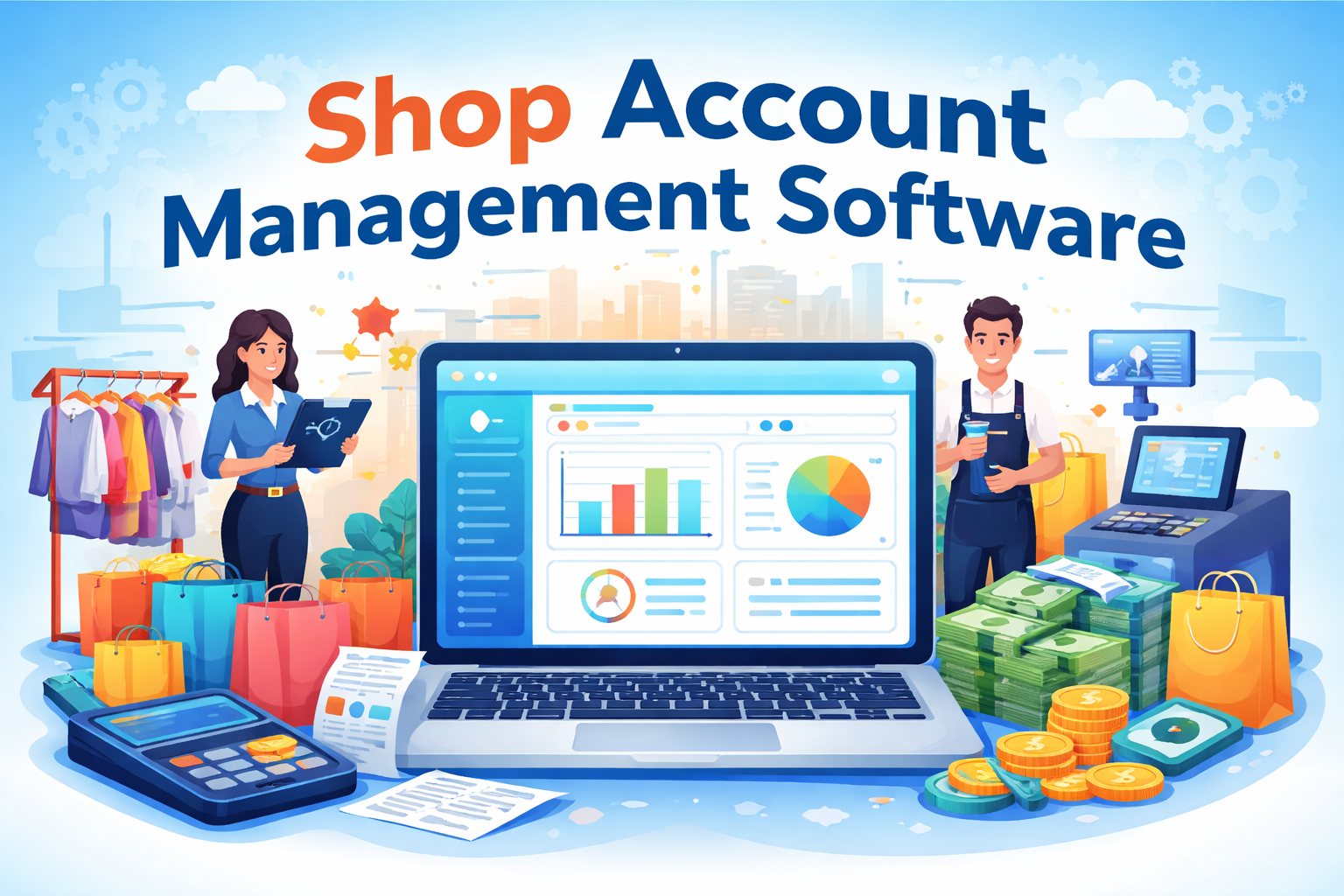
Let’s break it down in the simplest way possible. Account management software is like the brain of your business; it tracks money, monitors transactions, manages expenses, and ensures every rupee is accounted for. Imagine running a shop without knowing your exact profit, daily sales, or pending payments. Sounds risky, right? That’s exactly the gap this software fills.
In today’s digital-first retail environment, businesses cannot rely on manual bookkeeping or scattered spreadsheets. Modern systems bring everything together—sales, purchases, inventory, and even taxes—into one unified dashboard. According to recent industry data, the retail management software market is growing rapidly, reaching Rs. 2600 billion in 2026, driven by the need for efficiency and accuracy.
What makes it powerful is not just tracking numbers but transforming raw data into meaningful insights. You can instantly know which products are profitable, which expenses are unnecessary, and where your business is leaking money. It’s like having a financial advisor working 24/7 without taking a break.
Why Businesses Need It
Let’s be honest, running a shop without proper systems is like driving a car without a dashboard. You might move forward, but you’ll have no idea about your speed, fuel, or direction. That’s where account management software becomes essential.
Small businesses especially benefit because they often operate with tight margins. A single mistake in cash calculation or stock entry can directly affect profits. With software, these risks drop significantly. Reports show that integrated systems can reduce inventory errors by up to 30%, which directly impacts profitability.
Another major reason is compliance. In countries like India, GST filings, billing records, and financial documentation are mandatory. Manual systems make this complicated and error-prone, while automated tools handle it seamlessly.
Most importantly, it gives business owners peace of mind. Instead of constantly worrying about accounts, you can focus on growth, marketing, and customer experience.
Understanding Retail Store Management Systems
Key Components
Retail store management software goes beyond just accounting. It acts as a complete ecosystem that connects different parts of your business, inventory, billing, customers, and operations into one smooth workflow.
At its core, it includes:
- Inventory management
- Point of Sale (POS) system
- Customer relationship management (CRM)
- Order and supply chain tracking
- Reporting and analytics
Think of it like a control room where every activity in your store is monitored and optimized. Whether you run a small kirana store or a multi-location retail chain, having all operations under one system eliminates confusion and duplication.
Modern systems also ensure that everything is updated in real-time. So when a product is sold, inventory automatically adjusts, sales reports update, and financial records sync instantly. This level of integration was almost impossible a decade ago.
Evolution of Retail Technology
Retail has come a long way, from handwritten ledgers to AI-powered systems. Earlier, shop owners relied on memory and manual logs. Today, technology does the heavy lifting.
In 2026, retail is no longer just about selling products. It’s about delivering seamless experiences across online and offline channels. Experts highlight that modern retail systems now unify inventory, CRM, and order management into a single platform to ensure consistency across all touchpoints.
This evolution is driven by customer expectations. People want fast billing, accurate stock availability, and smooth returns. Without technology, meeting these expectations is nearly impossible.
What is Store Management Software?
Daily Operations Automation
If account management software is the brain, then store management software is the hands and legs of your business. It handles daily operations, billing, stock updates, supplier management, and even employee tracking.
Imagine this: a customer buys a product. Instantly, the system updates stock levels, records the sale, adjusts cash flow, and generates a bill. No manual entry, no confusion.
This automation saves hours of work every day. For busy shop owners, that time can be used to improve customer service or expand the business.
Role in Small vs Large Stores
The needs of a small shop and a supermarket chain are very different, but store management software adapts to both.
- Small stores benefit from simplicity, easy billing, expense tracking, and stock alerts.
- Large stores need advanced features like multi-location control, centralized reporting, and supplier management.
Interestingly, cloud-based systems are helping small businesses access enterprise-level features at affordable costs, reducing operational expenses by up to 30%.
This means even a local shop can now compete with bigger players using smart tools.
Cash Management in Retail Businesses
Importance of Cash Flow Tracking
Cash is the lifeline of any retail business. You might have great sales, but if your cash flow is mismanaged, your business can still struggle.
Cash management software helps track:
- Daily sales
- Expenses
- Cash in hand
- Bank transactions
- Credit and dues
It ensures that every transaction is recorded accurately. No more guessing, no more missing money.
Common Cash Handling Issues
Without proper systems, retailers often face problems like the following:
- Cash mismatches at the end of the day
- Unrecorded expenses
- Delayed payments
- Fraud or theft
These issues might seem small initially but can grow into major financial losses over time.
With digital systems, every transaction leaves a trace, making it easier to identify discrepancies and maintain transparency.
Key Features of Modern Account Management Software
Inventory Tracking
Inventory is the backbone of retail. Modern software provides real-time tracking, ensuring you never run out of stock or overstock unnecessary items.
Billing & POS Integration
Fast billing is crucial for customer satisfaction. Integrated POS systems ensure quick transactions and accurate records.
Financial Reporting
Detailed reports help you understand your business performance—daily, weekly, or monthly.
Multi-Store Management
For growing businesses, managing multiple stores from one dashboard is a game-changer.
Benefits of Using Retail Management Software
Efficiency Boost
Automation reduces manual work, allowing you to focus on growth.
Error Reduction
Human errors are minimized, improving accuracy across operations.
Better Customer Experience
Faster billing and accurate stock improve customer satisfaction.
Market Trends in Retail Management Software (2026)
Growth Statistics
The industry is booming. The retail management software market is expected to reach over Rs.4382 billion by 2030, driven by e-commerce and omnichannel retail growth.
AI & Automation
AI is transforming retail by enabling predictive analytics, automated inventory management, and personalized customer experiences.
Choosing the Right Software for Your Shop
Budget Considerations
Always choose software that fits your budget but also offers scalability.
Features Checklist
Look for:
- GST billing
- Inventory tracking
- Cloud access
- Reporting tools
- Customer management
Best Practices for Implementation
Staff Training
Even the best software fails if your team doesn’t know how to use it properly.
Data Migration
Ensure your old data is transferred accurately to avoid disruptions.
Future of Store & Cash Management Software
Cloud & Mobile Integration
Cloud-based systems allow you to manage your business from anywhere.
Predictive Analytics
Future systems will not just track data but predict trends, helping businesses make smarter decisions.
Conclusion
Retail is changing fast, and relying on outdated methods is no longer an option. Whether it’s account management software, retail store management, or cash management, everything is moving toward automation and integration.
If you want to grow your business, improve efficiency, and stay competitive, investing in the right software is not a luxury; it’s a necessity.
FAQs
1. What is the main purpose of account management software?
It helps track financial transactions, manage expenses, and generate reports for better decision-making.
2. Is retail management software suitable for small shops?
Yes, modern cloud-based solutions are affordable and designed for small businesses as well.
3. How does cash management software reduce errors?
It records every transaction digitally, eliminating manual calculation mistakes.
4. Can I manage multiple stores with one system?
Yes, most modern software offers multi-store management features.
5. What features should I look for in store management software?
Inventory tracking, billing, reporting, and cloud access are essential features.